Clipboard
AudioLabel Help File Topic
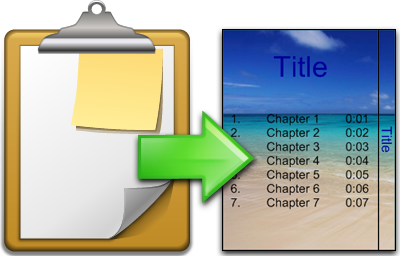
Copying Text and Images to CD/DVD Case Templates
The
Windows Clipboard is an area of memory that holds what was last copied from a program.
AudioLabel uses the Windows Clipboard to copy text and images to your CD/DVD case templates.
This means that you can copy and paste anything from other programs that use the Clipboard.
For example, you can copy and paste an image from Microsoft Internet Explorer to your DVD case.
Copying to the clipboard replaces any data previously held there.
Text and images on the Clipboard can be pasted back into the project multiple times.
 |
To get the best image resolution, copy and paste an image when it is being viewed at full size. |
|
AudioLabel supports 32 bit transparent images so you can copy and paste PNG images from another program and still maintain the transparency. |